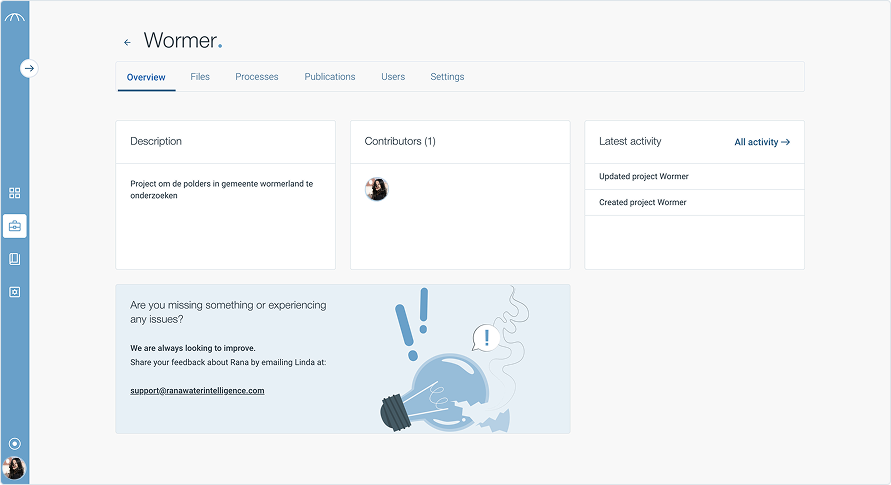
Projects dashboard
Projects are the core of your work in Rana. Each project serves as a container for all related data, processes, and results tied to a specific study area or research goal.
Within a project, you can define your study area, run simulations, manage datasets, and store outputs all in one organized place. This structure allows you to keep your workflows clear, reproducible, and separated from other work.
Projects also make collaboration easier, helping teams stay aligned by sharing a common workspace with shared data and process history.
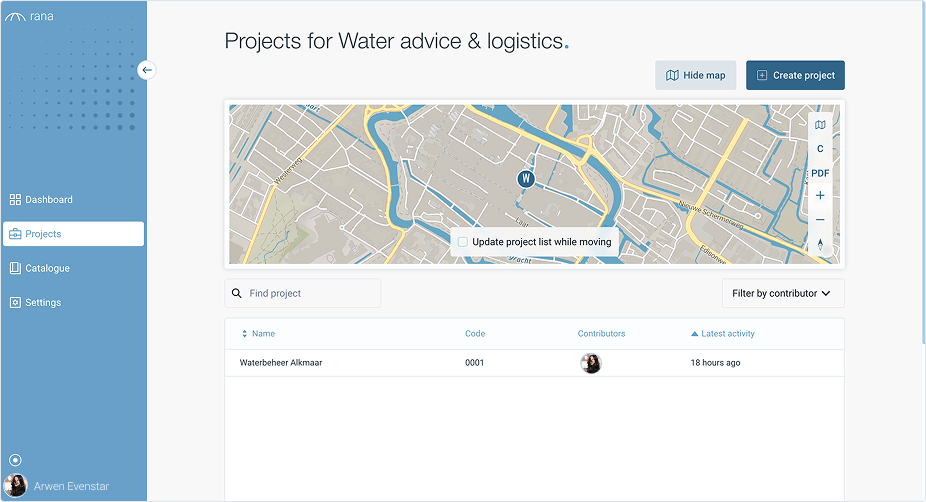
Efficient file management is key to working with large geospatial and hydrological datasets. Rana provides tools to upload, organize, version, and share files, ensuring seamless collaboration and data integrity.
Getting started with projects
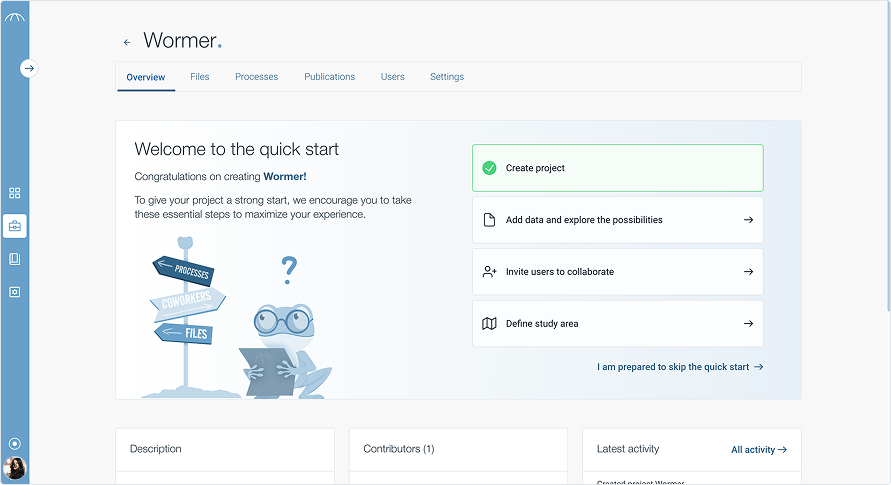
Get started in 4 easy steps
Every project in Rana begins with four essential setup steps. The Quick Start helps you upload your data, define your study area, and set up the foundation for your analysis. Whether you’re modeling floods, droughts or land use, this page ensures you’re ready to go in no time.
Projects overview
Your central hub for project activity
Once you’ve completed (or skipped) onboarding, the Overview page becomes your starting point. Here you’ll find a description of the project, see who’s contributing, and track recent activity — giving you a clear view of progress and collaboration at a glance.