Catalogue
The Rana Catalogue is a centralised data library designed for your organisation. It contains all foundational datasets that are commonly used in hydrological studies, such as AHN3, AHN4, AHN5, BGT, BRT, and Top10–50 maps — preloaded and ready for use in any project.
In addition to these standard datasets, users within your organization can upload their own datasets and publish results from projects back into the catalogue. This improves data lineage, making it easier to track the origin, version, and use of any dataset over time.
By storing and organising both shared and project specific data in one place, the catalogue ensures that valuable knowledge is not lost. It supports long term collaboration, consistency, and transparency — even when revisiting older projects.
Catalogue data
The Catalogue has a preset of categories in which you can find all relevant data for water analysis. These categories help users locate datasets related to hydrology, topography, infrastructure, and other key aspects of water management.
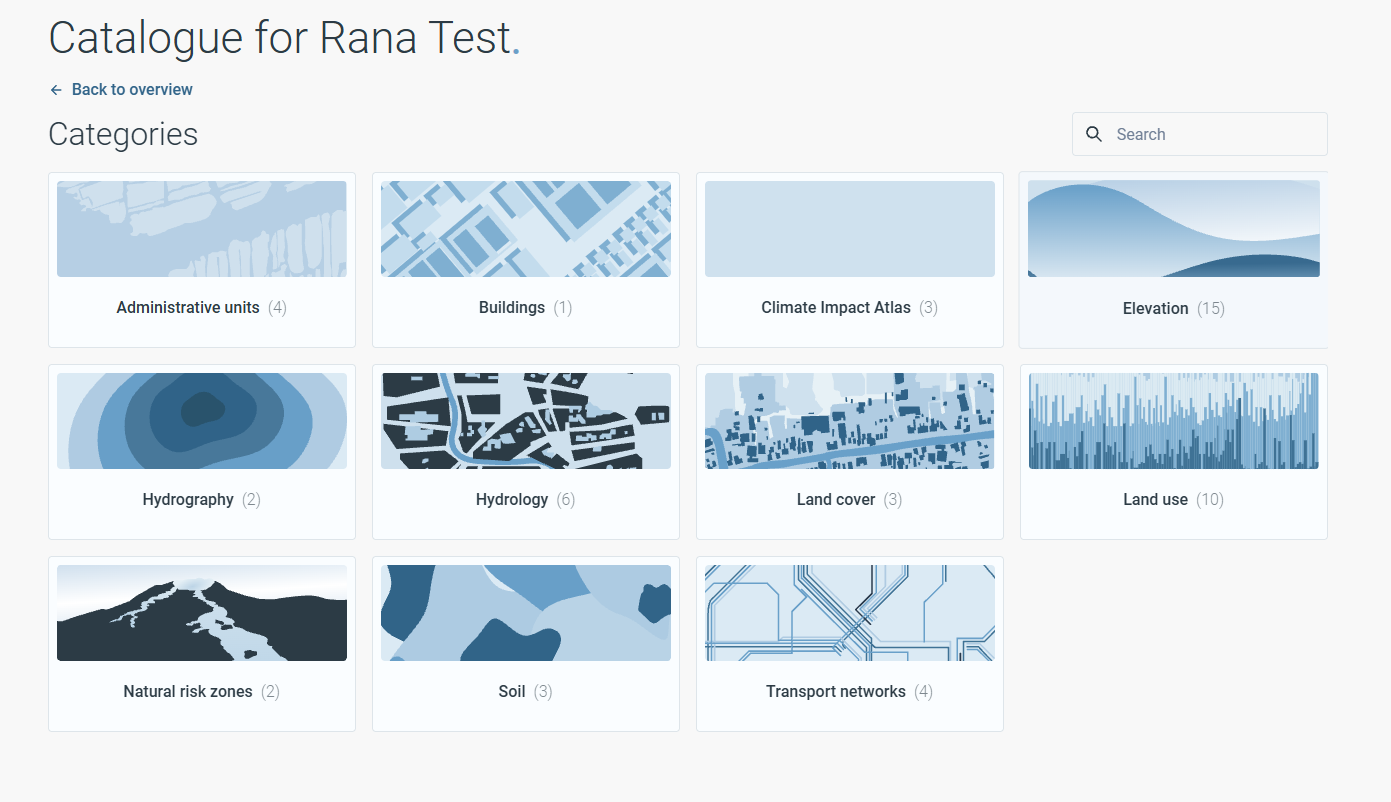
To add data to your project from the Catalogue, use the Take Extract feature. Select the dataset you require, open it, and click Take Extract. Next, choose the project to which you want to add the dataset and select the study area where the data will be used. The Take Extract feature uses the selected study area to extract only the data relevant to that location. This helps minimise download sizes and prevents unnecessary waiting times caused by large data transfers.
Model schematisations in the Catalogue
The Catalogue is the central environment for managing model schematisations within an organisation. Model schematisations stored in the Catalogue serve as reusable starting points for future projects.
The Catalogue and Projects serve different purposes within Rana:
The Catalogue contains organisation-wide model schematisations intended for reuse.
Projects contain project-specific copies of model schematisations that can be modified without affecting the original version in the Catalogue.
Simulation results remain stored within the project in which they were generated.
Improvements developed within projects can be contributed back to the Catalogue for future reuse.
A typical model schematisation workflow is:
A model schematisation is stored in the Catalogue.
A selected revision is added to a project.
The model schematisation is further developed within the project.
Simulations are executed within the project.
The updated model schematisation can be submitted back to the Catalogue as:
a new model schematisation, or
a new revision of an existing model schematisation.
This workflow provides a controlled separation between organisation-wide model schematisations in the Catalogue and project-specific developments within Projects, while still allowing valuable improvements to be shared with the wider organisation.
The Catalogue contains all model schematisations that have been made available within an organisation. Model schematisations are searchable within the Catalogue or can be found by filtering by tags.
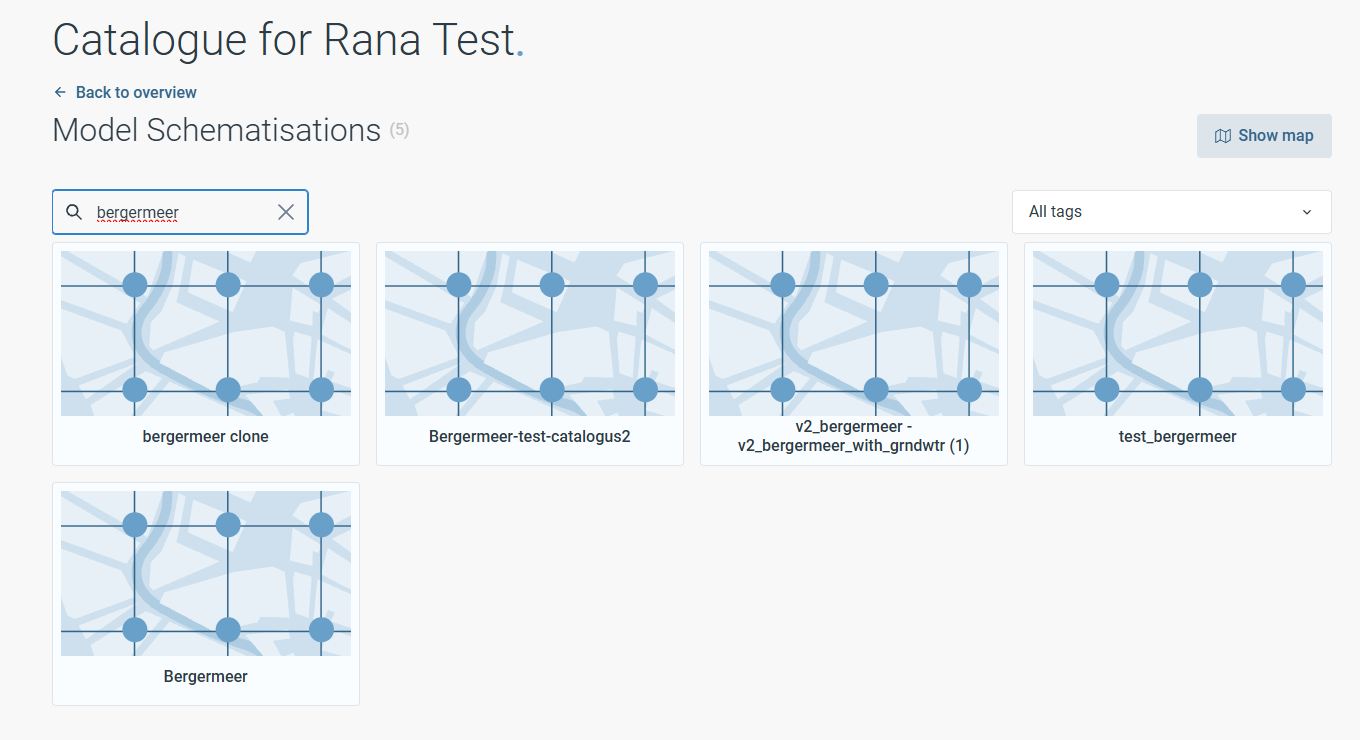
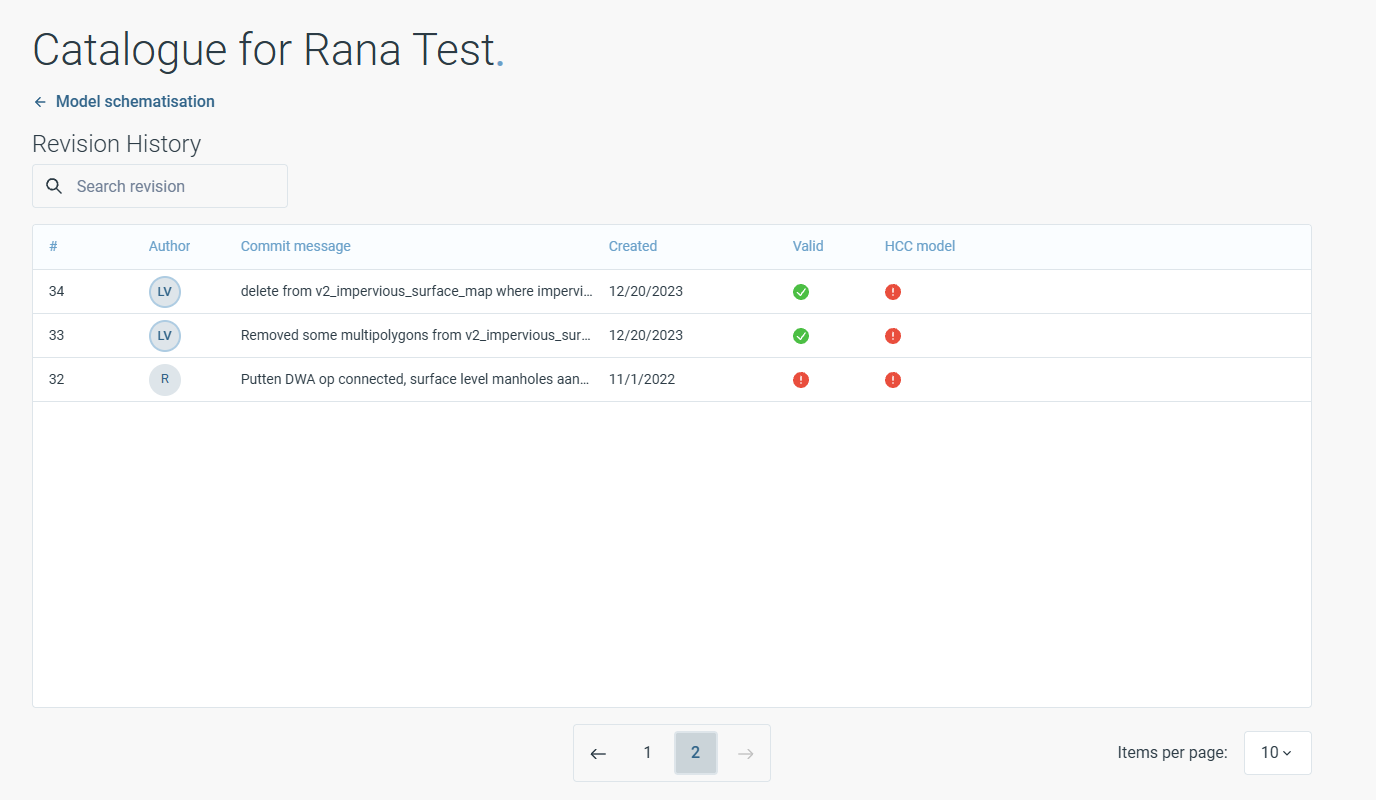
Details and revision history are available for every model schematisation and can be accessed within the Catalogue.
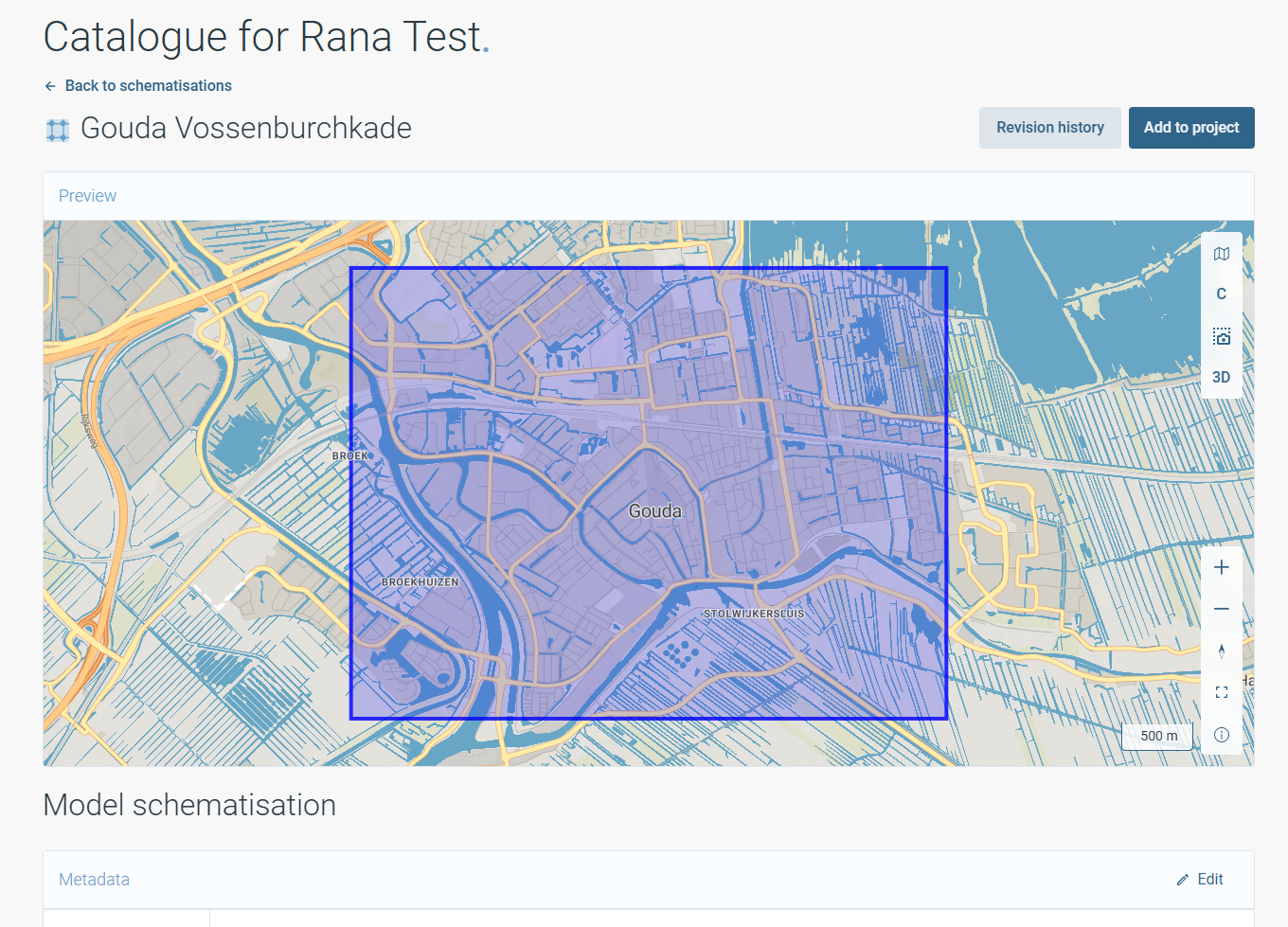
Adding a model schematisation to a project
To add a schematisation to a project, click Add to Project in the top right.
Select a project from the list that appears.
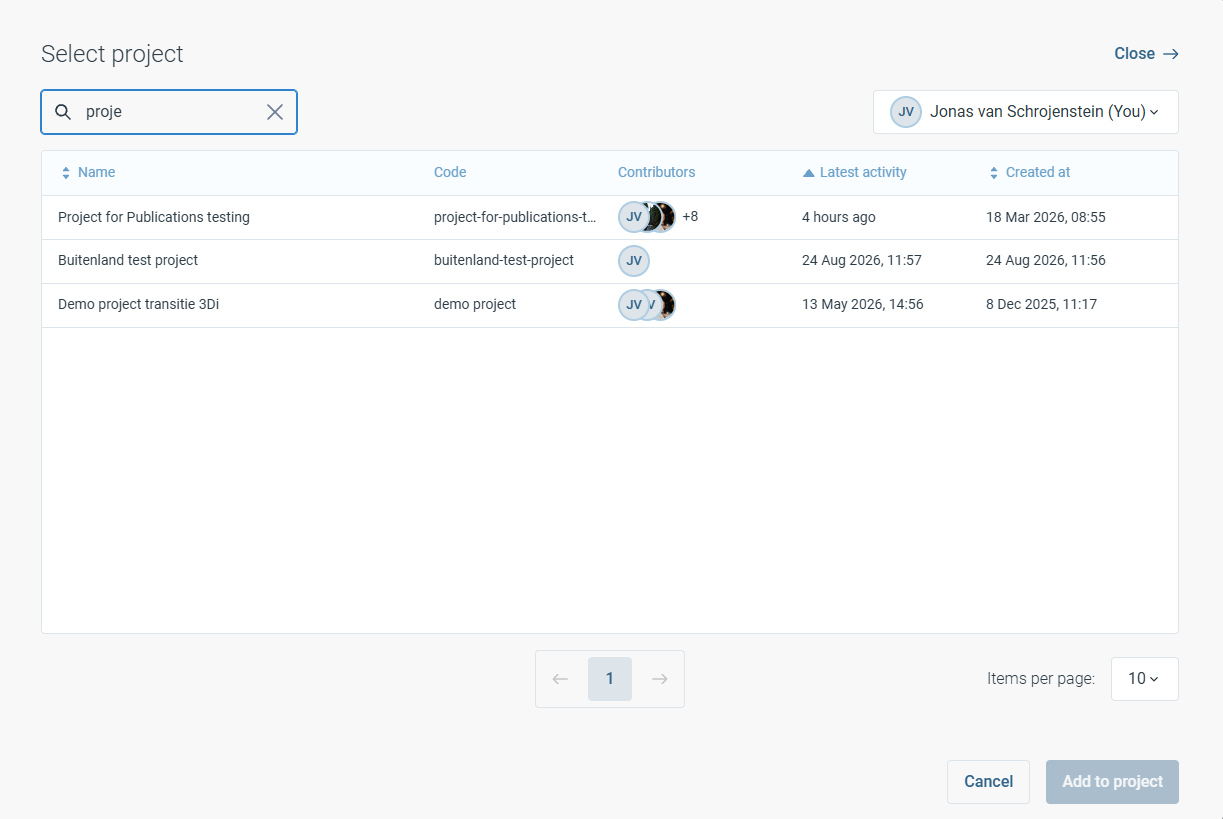
Select a folder within the project and click Add to include the schematisation in your project.
A copy of the selected revision of the model schematisation is added to the project. This ensures that changes made to the schematisation within the project do not affect the original model schematisation or its revision history in the Catalogue.
Once added to a project, the model schematisation can be modified independently from the Catalogue version. Simulation results generated using the model remain stored within the project environment.
Note
To select a specific revision of a model schematisation when adding it to a project, click the revision history button and choose the desired revision before clicking Add.
Submitting a model schematisation to the Catalogue
To submit a model schematisation to the Catalogue, navigate to the model schematisation within your project and click Submit to Catalogue. Once submitted, the model schematisation will be available in the Catalogue for other users within the organisation.
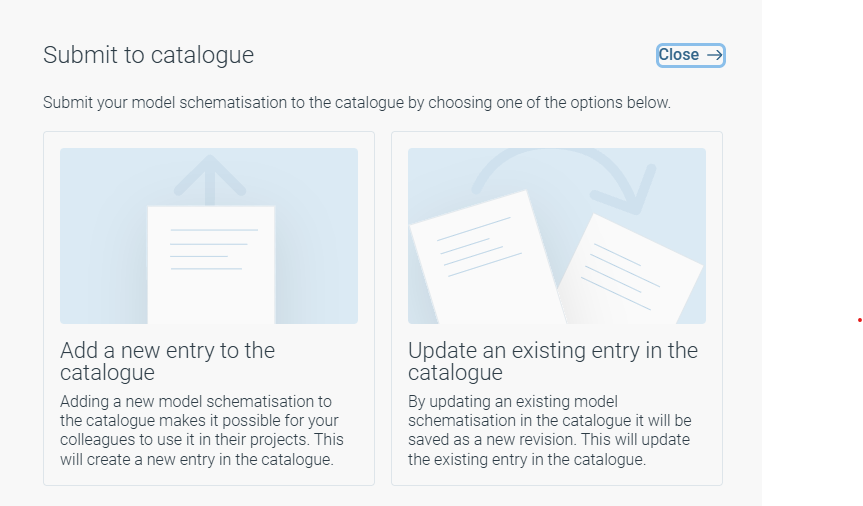
There are two options:
Add a new entry to the Catalogue. Use this option when the model schematisation represents a new model that should exist independently in the Catalogue. This creates a new entry that can be reused by other users within the organisation.
Update an existing entry in the Catalogue. Use this option when the model schematisation is a further development of an existing Catalogue model. The updated model is stored as a new revision within the existing model schematisation history.
Note
During the transition period, model management remains available through both the Rana HCC module and the Catalogue. In future releases, model management will be fully integrated into the Catalogue.