File management
Efficient file management is key to working with large geospatial and hydrological datasets. Rana provides tools to upload, organize, version, and share files, ensuring seamless collaboration and data integrity.
Uploading files
Rana supports various file types, including raster, vector, tabular, and 3D data. To upload a file:
Navigate to Project Datasets or Data catalogue.
Click Upload Dataset and select your file.
Add metadata (name, description, tags) to improve discoverability.
Click Upload to begin processing.
Once uploaded, files can be previewed, processed, or shared with your team.
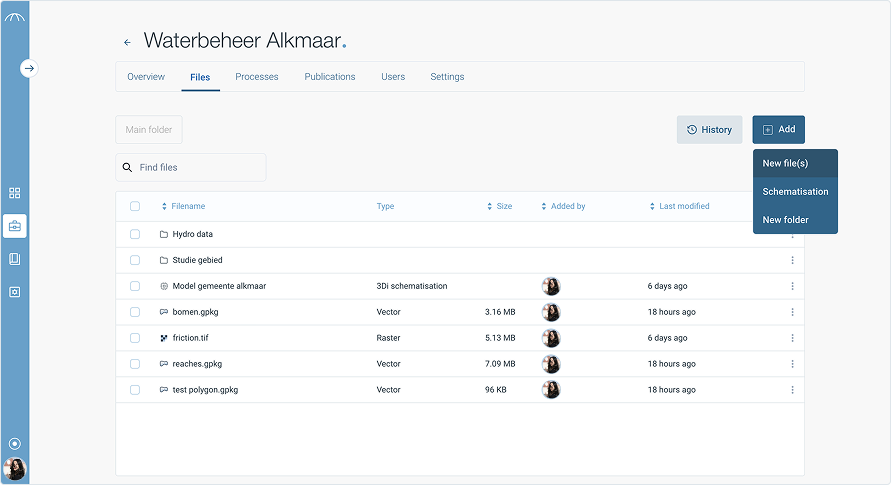
File Size Limits and Preview Availability
In Rana, you can upload files up to 5 GB in size. However, please note that previews are not generated for the following file types when they exceed a certain size:
Raster files larger than 1 GB
Vector files larger than 1 GB
Scenario files larger than 2 GB
These files are still stored in your project and available in Rana, but cannot be viewed or used in a publication when no preview is generated.
If you need to include a large file in a publication, consider optimizing it or splitting it into smaller parts.
Supported formats
Rana supports a variety of geospatial and hydrological file formats, including:
Raster Data: GeoTIFF (.tif), NetCDF (.nc)
Vector Data: Shapefile (.shp), GeoJSON (.geojson)
3D & Mesh Data: OGC 3D Tiles (.json, .pnts)
Hydrological Models & Scripts: Python scripts (.py), DHydro, Rana schematisations and simulation results.
Scenario files
Scenario files can be provided in two formats: Rana native or D-Flow FM. Rana automatically detects which format you are using. In both cases, you should upload a ZIP file.
For Rana native scenarios, the following files are required: * results_3di.nc * gridadmin.h5 * a DEM file (with an extension such as .tif, .tiff, or .geotiff)
For D-Flow FM, you must include at least one file ending in: * _clm.nc * _fou.nc * _map.nc
Organizing files
Keep your data structured using:
Projects: Each project has its own dataset repository.
Tags & Categories: Label datasets for quick searching.
File Versions: Track changes and updates to datasets.
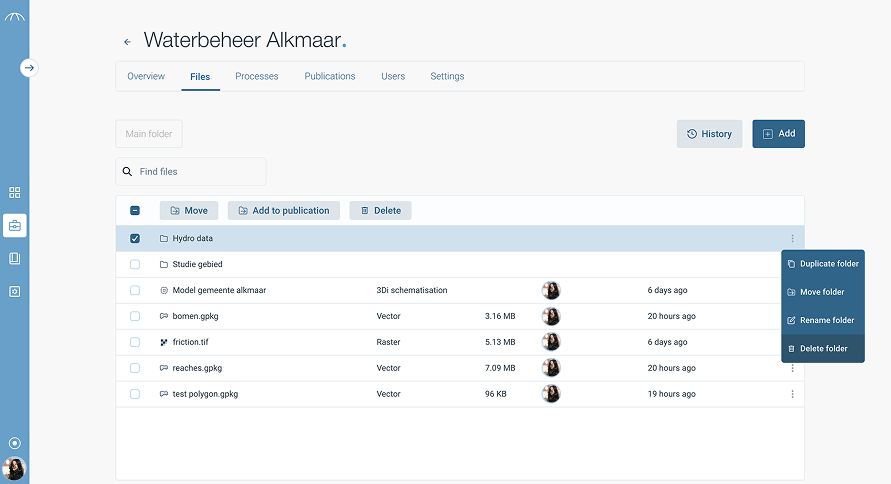
Versioning & change tracking
When re-uploading a modified dataset, Rana allows you to:
✔ Maintain version history to track changes over time.
✔ Add a commit message describing updates (e.g., “Corrected elevation values”).
✔ Compare versions to analyse differences.
This ensures data traceability and reproducibility in hydrological modeling.
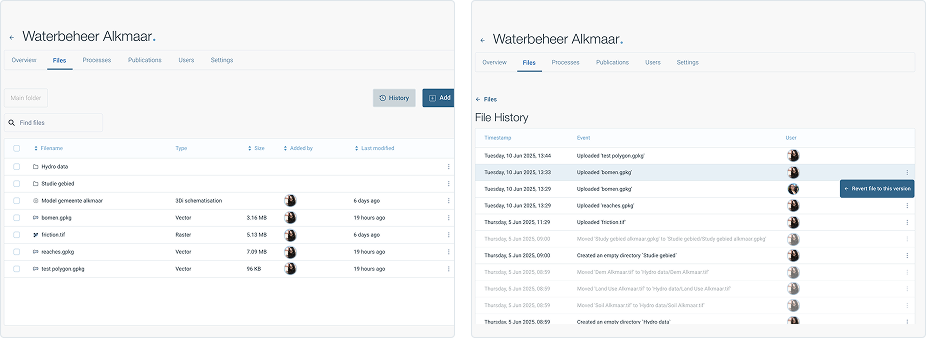
Previewing files
Before downloading or processing a dataset, you can:
View raster and vector datasets in an interactive map preview.
Inspect tabular data in a structured table format.
Explore 3D datasets using OGC 3D Tiles and deck.gl visualization.
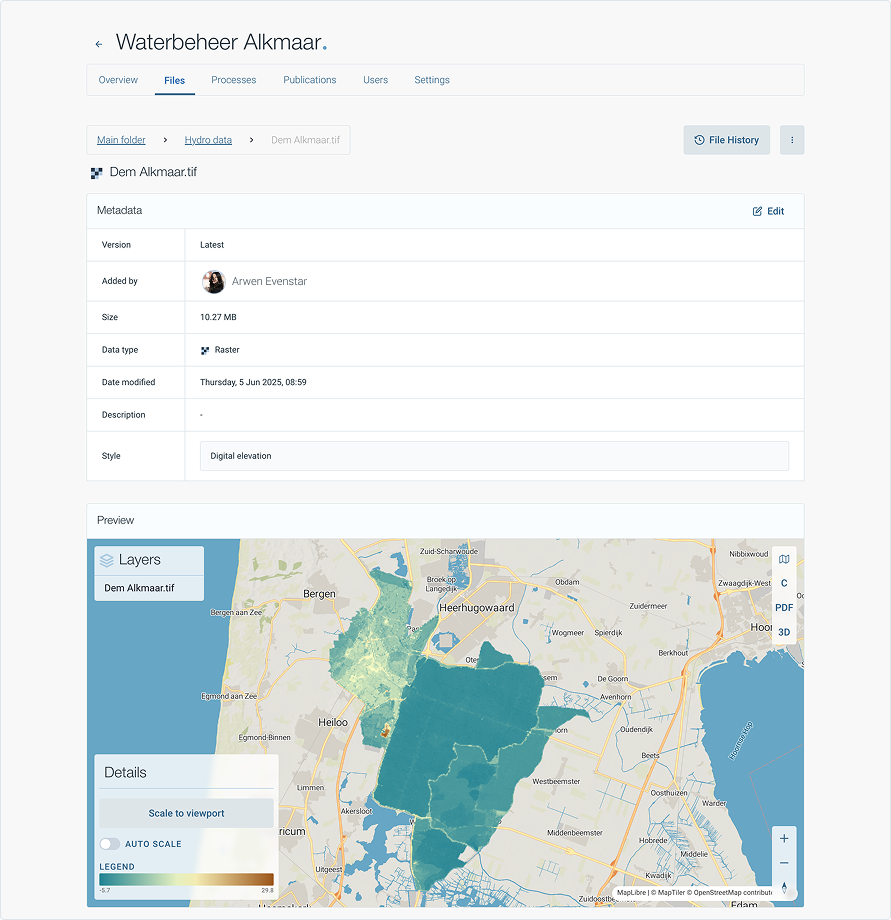
Downloading & exporting
Users can download datasets in their original format or convert them into compatible formats, such as:
✔ GeoTIFF, NetCDF, CSV, Shapefile, JSON, and more.
For large datasets, Rana offers cloud-based access and API integration.